
Appearance
How to complete the opening checklist on the kiosk
Complete the opening checklist each morning to ensure the facility is ready before the first car enters. This guide covers conducting the checklist and marking it complete.
Before you start
- The tablet or kiosk device must be running the WashWerk app in Kiosk Mode.
- You must be assigned to the opening shift for the current day.
Steps
Open the Morning Opening Checklist to conduct it.
Work through each item in the list. Tap Done next to an item to mark it complete. Some items require additional input — for example, entering a water pressure reading (PSI) or selecting an option from a dropdown (e.g. Parking lot condition).
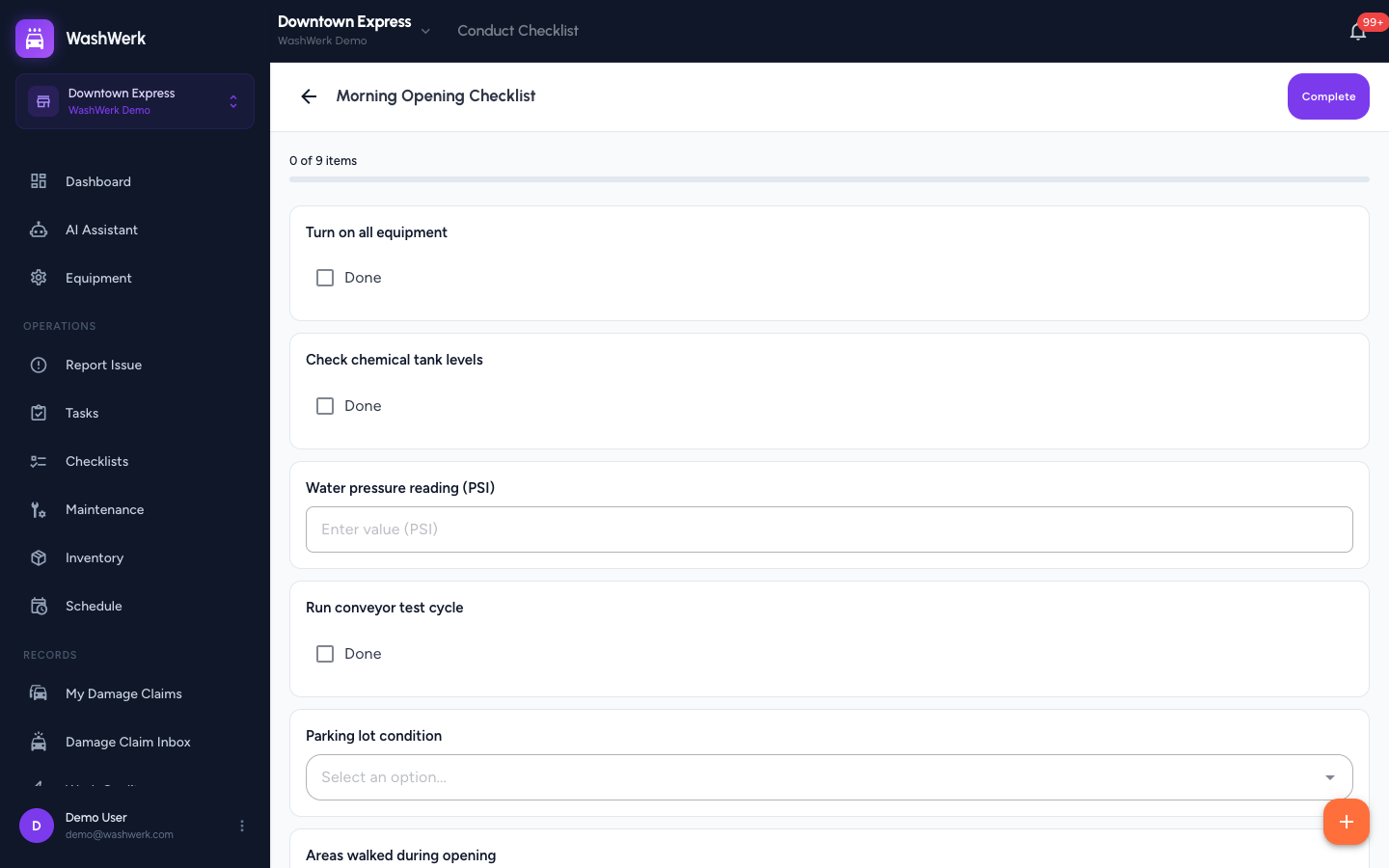
If an item fails inspection (e.g., a piece of equipment is out of order), note it before continuing.
Once all required items are checked off, click Complete. The checklist is saved with your name, the timestamp, and any noted issues.