
How to log a damage claim
Capture a customer's report of vehicle damage on the intake form and submit it for a manager to investigate. The form auto-saves as you go, so you can pause and resume from My damage claims. This is for store attendants, shift leads, and managers taking the report at the wash.
Before you start
- Where: Store-level (works on mobile and web).
- Permission: The Create Damage Claims permission.
- Available by default to: Owners, Store Managers, Shift Leads, and Wash Attendants. (On custom roles, this needs the permission named above.)
- You must have: the customer present to give their account and sign. Have their name and a phone or email ready.
Steps
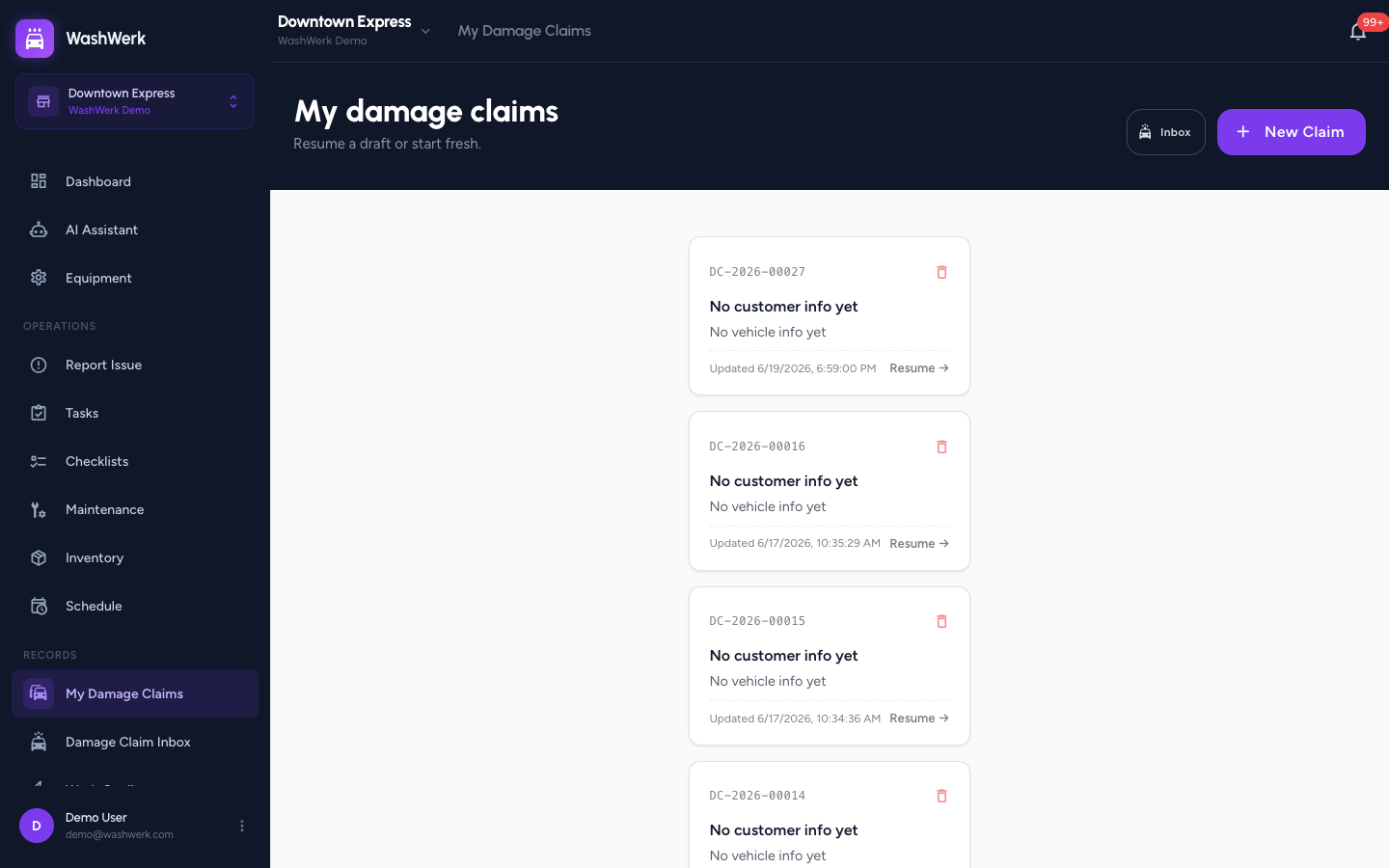
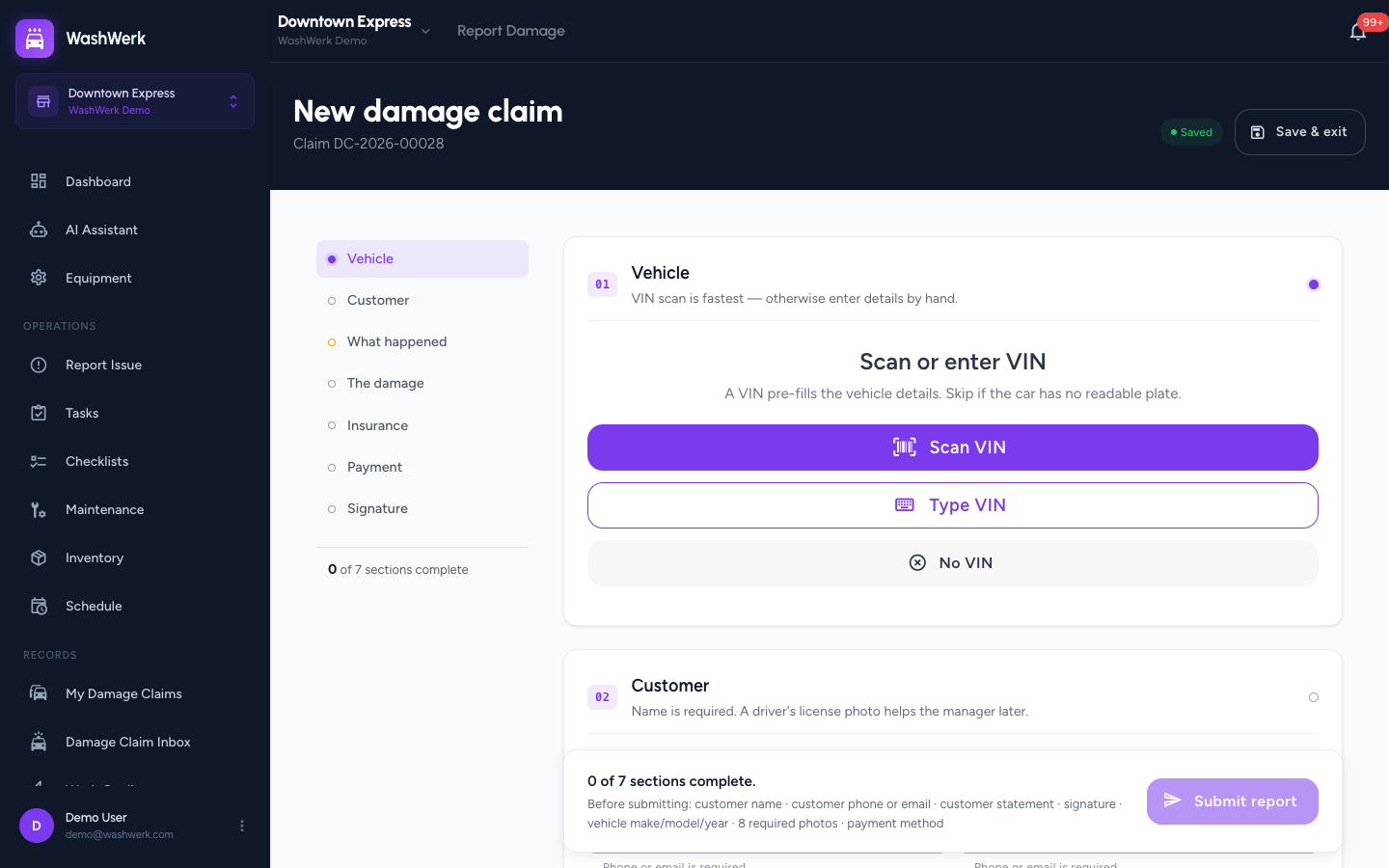
- From the store sidebar, open My damage claims and select New Claim. A blank claim opens with a section rail down the left.
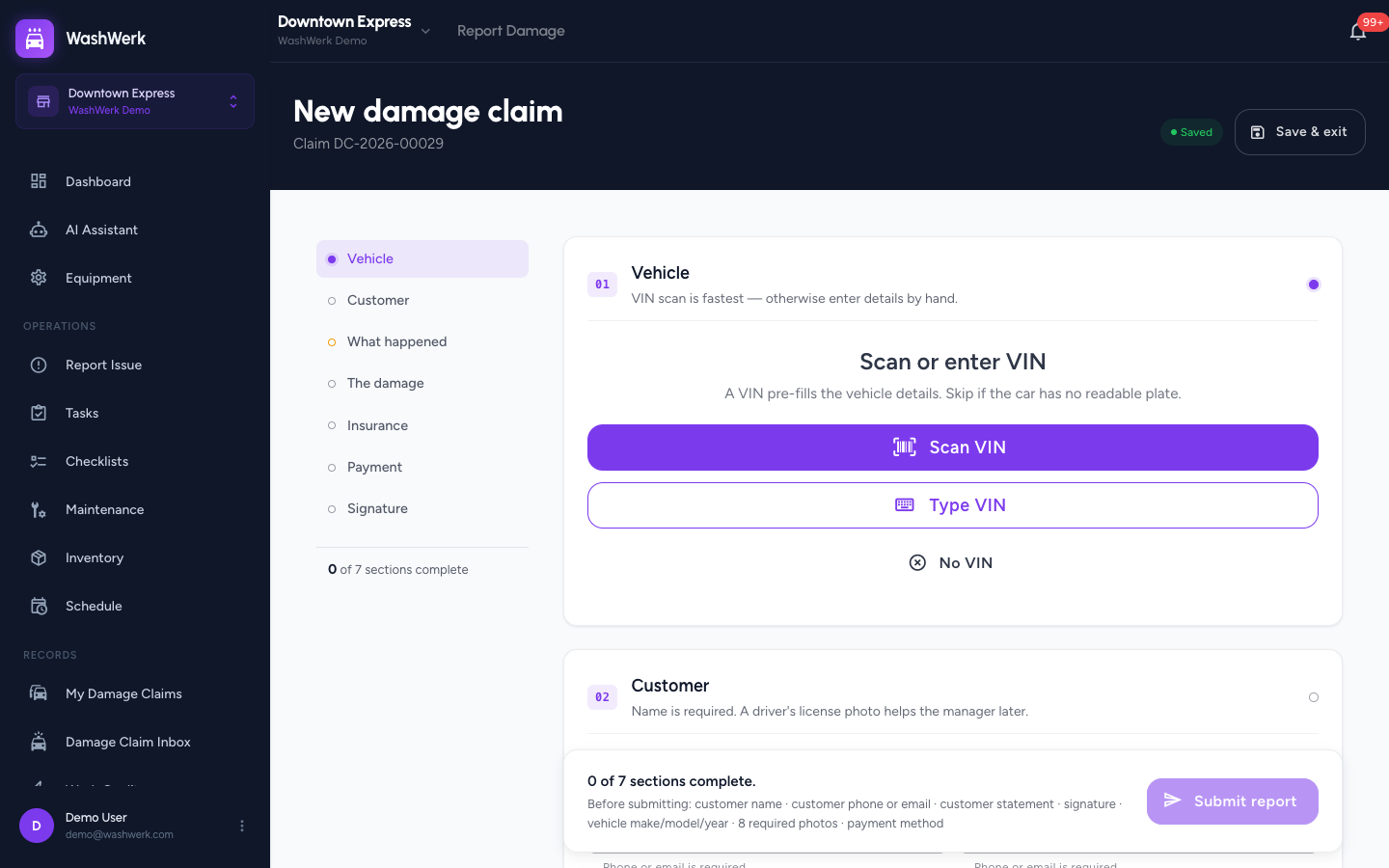
- In Vehicle, select Scan VIN to capture the plate with the camera, Type VIN to enter the 17 characters by hand, or No VIN if the car has no readable plate. A scanned or typed VIN pre-fills make, model, and year.
- Confirm or correct the vehicle make, model, and year on the details form that follows.
- In Customer, enter the customer name (required) and a phone or email. Optionally capture a driver's license photo.
- In What happened, record the customer's account of the incident in their own words.
- In The damage, mark the affected areas on the vehicle diagram, then capture every required photo in the checklist (license plate, damage close-up and far-away, and all four corners; the VIN-plate photo is dropped if you chose No VIN).
- Optionally fill Insurance and, if your store collects it, choose a Payment method for the wash that preceded the damage.
- In Customer signature, have the customer sign on the canvas to confirm the report is accurate.
- When the submit bar reads Ready to submit, select Submit report. If anything is missing, the bar lists the remaining items and the button stays disabled.
Save a draft and come back later
- To stop without submitting, select Save & exit in the header, then Save draft & exit. The claim is kept in My damage claims with its claim number. To throw it away instead, choose Discard draft.
View your drafts
- Open My damage claims from the sidebar to see every unsubmitted claim. Select a card to resume it, or use the trash icon on a card to discard it.
Expected result
After you submit, the closing screen confirms the claim is filed and shows the response window. The claim leaves My damage claims and appears in the manager's damage claims inbox.
Troubleshooting
- If the Submit report button stays greyed out: read the submit bar — it names what's still missing (for example, customer phone or email, the customer statement, a required photo, or the signature). Complete those sections and the button enables.
- If a VIN scan won't decode: select Continue anyway to keep the captured value, or switch to Type VIN and enter it by hand. You can also choose No VIN.
- If you left without submitting: your progress auto-saved — reopen the draft from My damage claims and continue where you left off.