
How to delete your data or contact support
Request permanent deletion of your WashWerk account and personal data from the public site, confirm it by email, or reach the team with a question — no sign-in required for any of these.
When to use this
Use the public form when you can't sign in; if you can, deleting from your in-app profile is faster — or use the contact form to pause or downgrade instead of deleting.
Before you start
- Where: Public marketing site — these pages work whether or not you can sign in.
- Permission: No special permission needed.
- You must have: Access to the inbox for the email address tied to your account (deletion confirmation is sent there).
Request account deletion
- Go to the Delete Account page on the WashWerk website.
- Read Before You Continue — deletion is irreversible, personal data is removed within 30 days of confirmation, and some operational records may be kept in anonymized form.
- Enter your Account Email Address.
- Optional: choose a Reason for Leaving.
- Select the checkbox confirming you understand the action is irreversible.
- Select Submit Deletion Request. A "Deletion Request Submitted" confirmation appears, telling you to check your email.
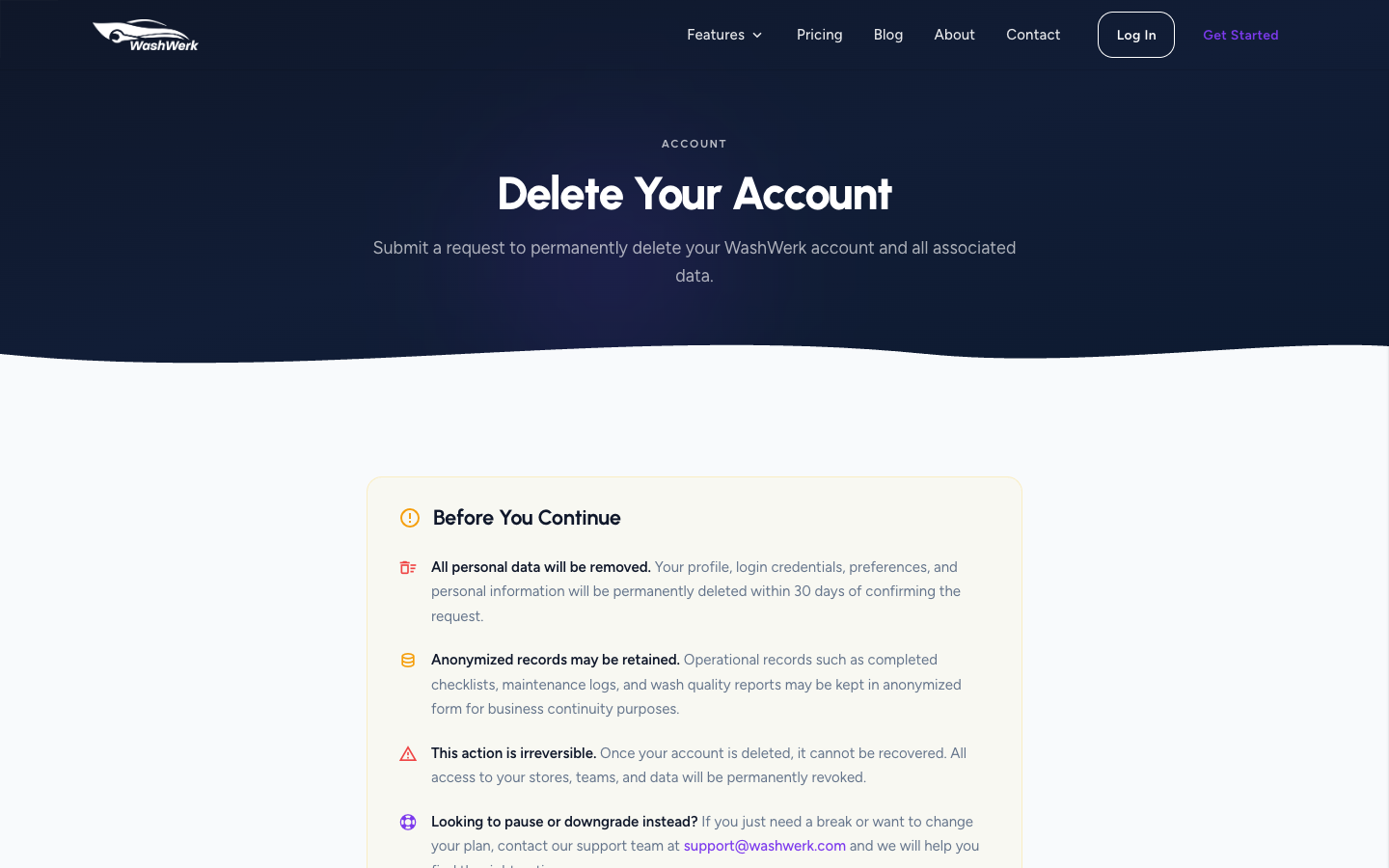
Confirm deletion via the emailed link
- Open the email subject "Confirm Your Account Deletion Request — WashWerk."
- Select the confirmation button in the email. WashWerk records your confirmation and your data is removed within 30 days.
The link only confirms a request you already submitted. For your security, the request form shows the same confirmation whether or not an account exists, so the email is sent only when a matching account is found.
Submit the contact form
Use this for questions, demos, or support — including if you'd rather pause or downgrade than delete.
- Go to the Contact page on the WashWerk website.
- Enter your Full Name, Email Address, and Your Message.
- Optional: add your Company Name and Number of Stores.
- Select Send Message. A "Message Sent!" confirmation appears and the team replies within 24 hours.
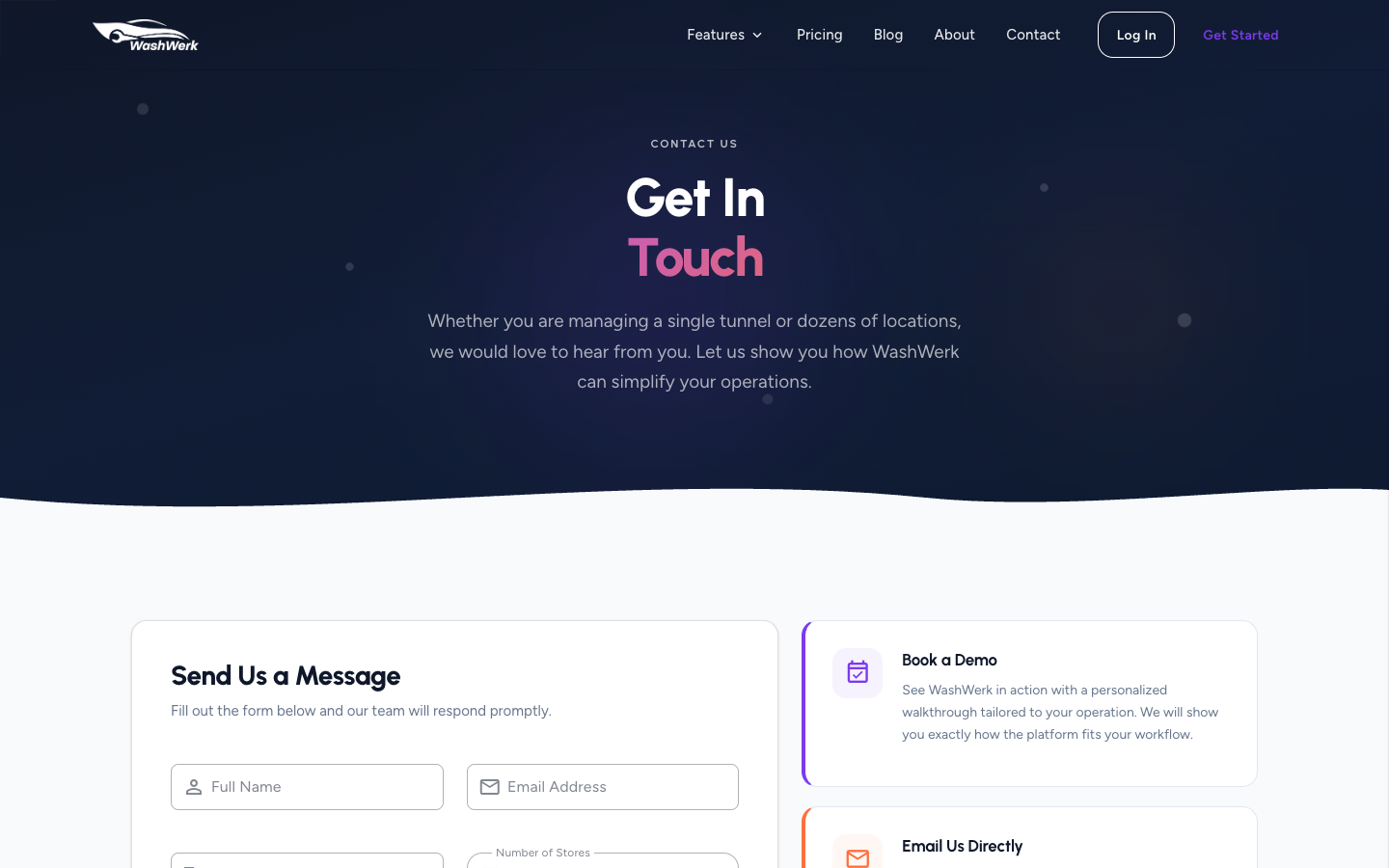
Expected result
The deletion form shows "Deletion Request Submitted" and emails you; selecting the email link confirms removal within 30 days. The contact form shows "Message Sent!" after a successful submission.
Troubleshooting
- If no deletion confirmation email arrives: Check your spam folder, and confirm you entered the exact email tied to your account. The email is sent only when a matching account exists.
- If you'd rather not delete everything: Email support@washwerk.com to pause or downgrade instead, or use the contact form above.
- If you're already signed in and want to delete your own account: Do it in-app with a password confirmation — see How to manage your profile and account.
- If the contact form won't submit: Name, email, and message are required, and the email must be a valid address. Fill any field marked with an error and resubmit.