
How to fix a billing-blocked account
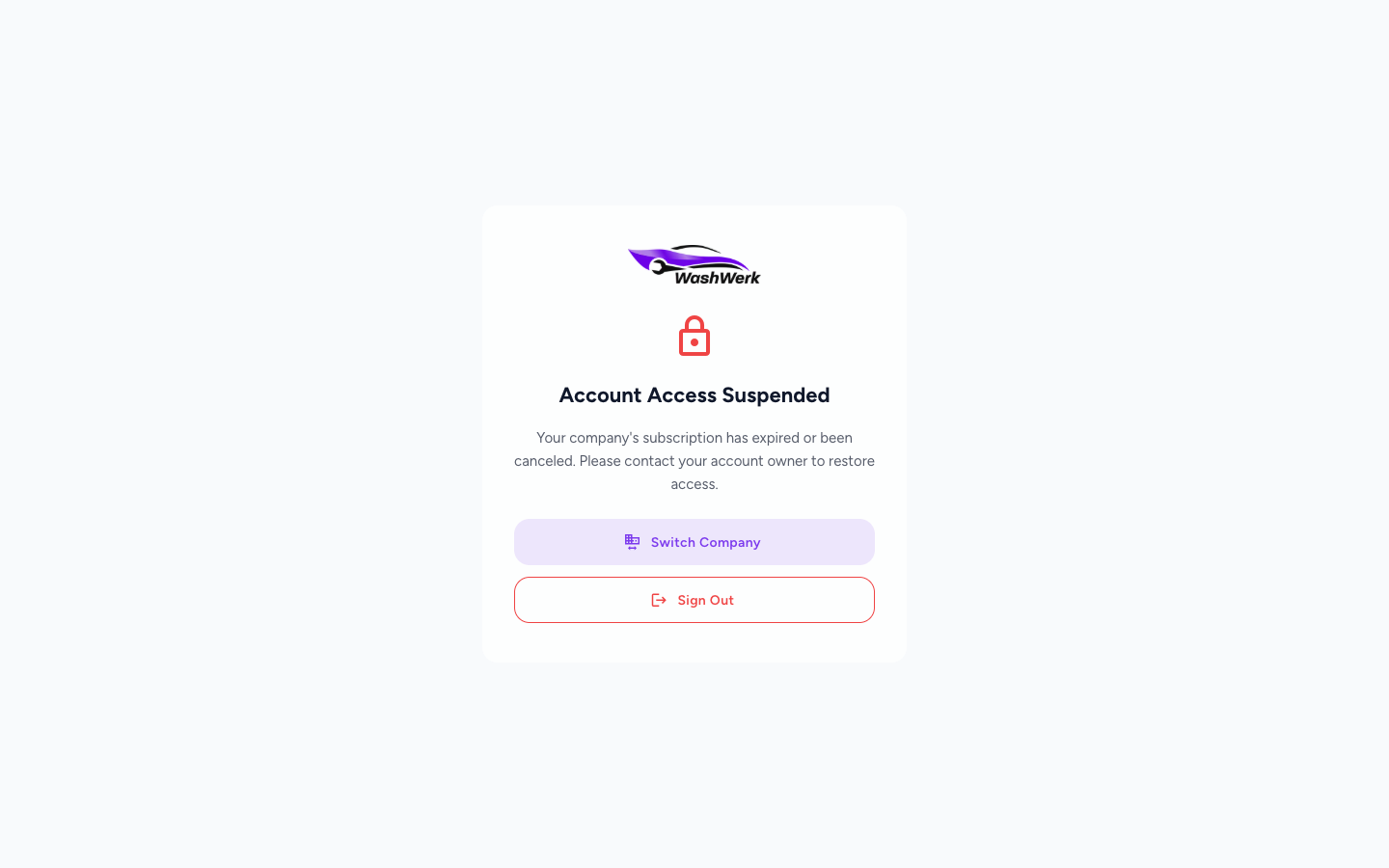
When your company's subscription lapses, WashWerk locks the company and shows an Account Access Suspended screen. This guide explains why, and how to get back to work if you have access to another company or need to hand off to an Owner.
Before you start
- Where: Store or corporate — the block applies to the whole company.
- Permission: No special permission needed. Only an Owner or someone with the Billing permission can actually restore billing.
- You must have: Either a second company you belong to, or contact details for your account Owner.
Why your account is blocked
WashWerk suspends a company when its subscription has expired or been canceled, or when payment is past due beyond the grace period. While suspended, the app routes you to a dead-end screen instead of your dashboard so no work is lost mid-edit. This is not a problem with your login or your device.
If you are an Owner or hold the Billing permission, you are not sent to this screen — WashWerk sends you straight to the billing page so you can fix the payment. See Manage your subscription.
Switch to another company
If you belong to more than one company, you can keep working in an unaffected one.
- On the Account Access Suspended screen, select Switch Company. The company picker opens.
- Choose a company that is not suspended. WashWerk loads that company's dashboard.
Sign out and notify your Owner
If this is your only company, sign out and ask your Owner to restore billing.
- On the Account Access Suspended screen, select Sign Out. WashWerk clears your session and returns you to the sign-in screen.
- Contact your account Owner so they can renew the subscription or update the payment method.
Expected result
After switching companies you see a working dashboard for the company you picked. After an Owner restores billing, sign back in and your original company opens normally.
Troubleshooting
- If Switch Company shows no other companies: you only belong to the suspended company. Sign out and wait for your Owner to restore billing.
- If you are the Owner and still see the suspended screen: sign out and back in so WashWerk reloads your billing access, then follow Manage your subscription to update payment.
- If access is still blocked after the Owner pays: sign out and back in to refresh the company's billing status, which can take a moment to update after payment.