
How to set up your first store
Add a store location so your team can start using WashWerk. This guide covers creating your first store from the store picker, and creating an additional company if you run more than one business.
Before you start
- Where: Store-level — you act inside a company you already belong to.
- Permission: No special permission needed. The owner who created the company can add stores.
- You must have: A signed-in account with at least one company. Have the store's name, address, and car wash type ready.
Create your first store
- After signing in, choose your company on Select Your Organization if you belong to more than one. Single-company accounts skip this.
- On Choose Your Store, select Add New Store. The Add New Store dialog opens.
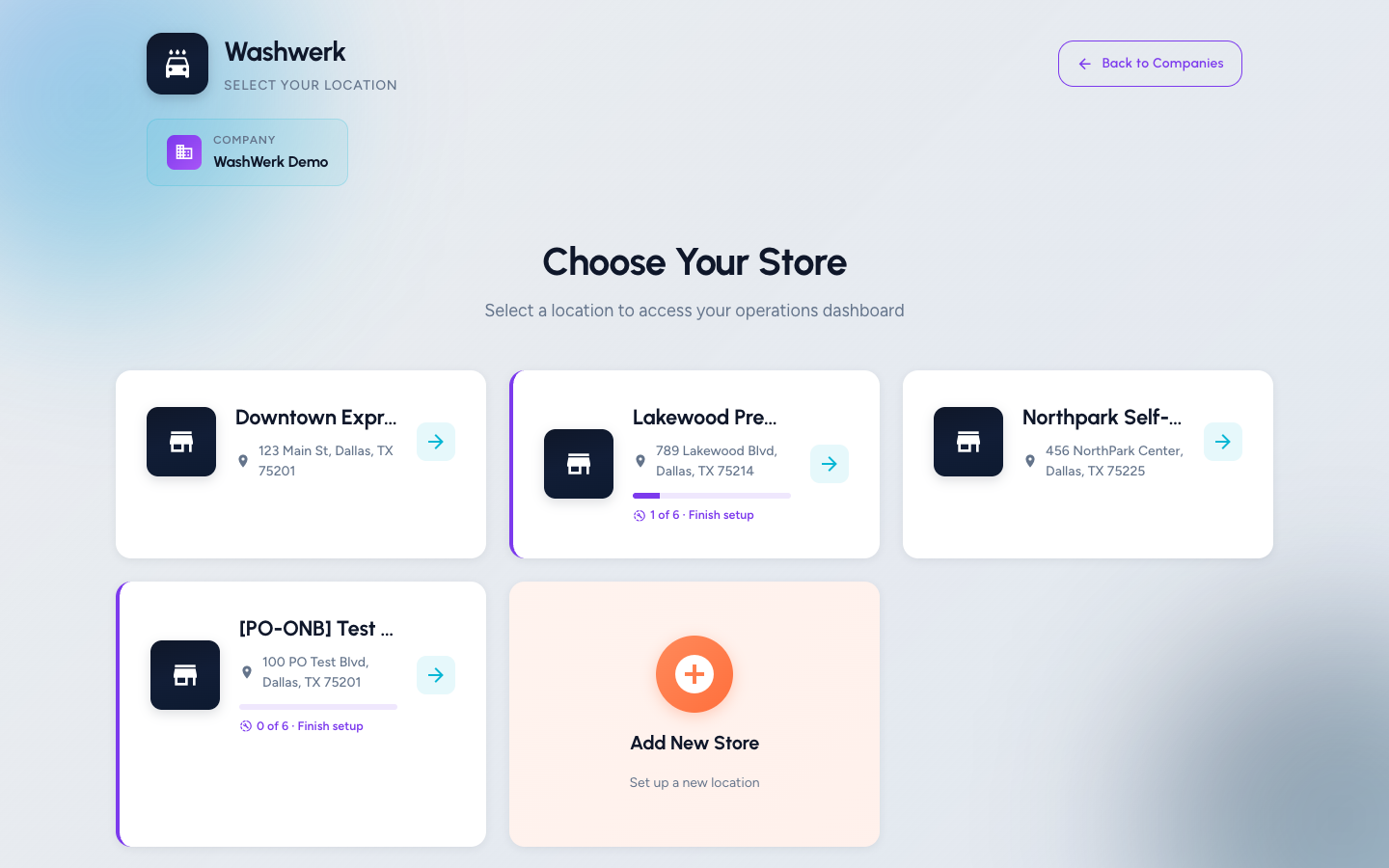
- Enter the Store Name and, optionally, the Address.
- Choose a Car Wash Type — Tunnel, Self-Serve, In-Bay Automatic, or Hybrid. This determines which starter checklists and tasks the setup wizard offers.
- Select Create Store. WashWerk creates the location and, for your first store, takes you straight into the setup wizard.
Create a new company
If you run a separate business, add a company instead of another store.
- From the store or company switcher, select Switch Company to reach Select Your Organization.
- Select Create New Company, enter the Company Name, and select Create Company. WashWerk routes you through subscription checkout before the new company becomes usable.
Expected result
Your new store appears in the store picker, and your first store opens the Set Up Your Car Wash wizard. A new company appears on the company picker after checkout completes.
Troubleshooting
- If "Create Store" stays disabled: The store name or car wash type is blank. Both are required — fill them in to enable the button.
- If you see "Failed to create store": The request did not save. Check your connection and select Create Store again.
- If the store opens the dashboard instead of the wizard: That store was already created earlier. Use the setup wizard guide to resume setup from the store picker's Finish setup link.